Vextor

Hosted Vextor · public preview

Functional parts from your AI agent, checked before they ship.

Your agent describes the part in VXL, a compact JSON language that holds both the geometry and the requirements. Vextor builds it on the server as exact CAD (STEP) or a printable mesh (3MF, STL), then measures the result against every requirement in the document.

Connect your agent Create a free account

Excerpt from the gear reducer example
"requirements": [
  { "id": "large_teeth",
    "kind": "gear_teeth",
    "subject": "large",
    "module": "1.5",
    "pressure_angle": "20",
    "teeth": "2 * pinion_teeth",
    "thinning": "backlash / 2", … },
  { "id": "large_bore",
    "kind": "hole",
    "subject": "large",
    "diameter": "6.3",
    "through": ["0", "8"], … },
  …
]
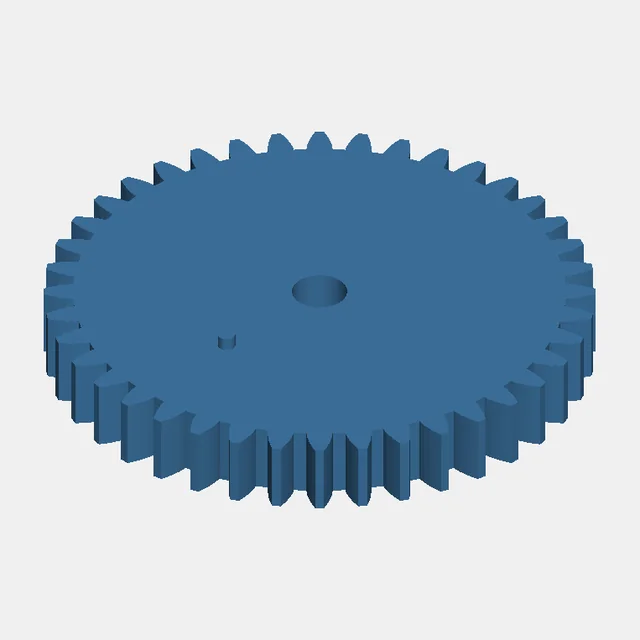
Large gear, as built

RELEASE

29 of 29 requirements pass

Large gear, as built · Build 8caa9029

How it works

  1. Write

    The agent reads the VXL docs through MCP and writes one document: parameters, sketches, solid and mesh operations, and the requirements the part must meet.

  2. Check and build

    A static check answers in about a second. The build runs the Vextor engine on the server: exact parts come out as STEP, meshes as 3MF and STL, each with rendered views.

  3. Verdict

    RELEASE when every requirement was measured on the built geometry and passed. HOLD or FAILED comes with a revision packet that tells the agent what to change before it builds again.

RELEASE means the part matches its own measured requirements. It is not a print or engineering certification.

Built on the live service

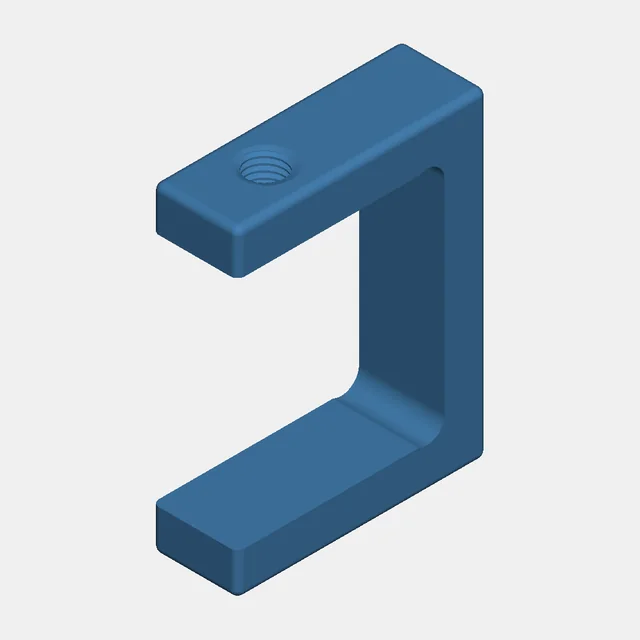
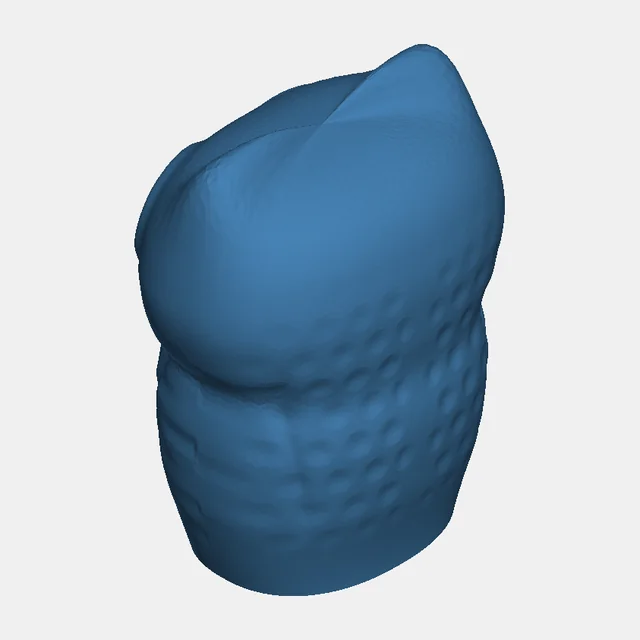
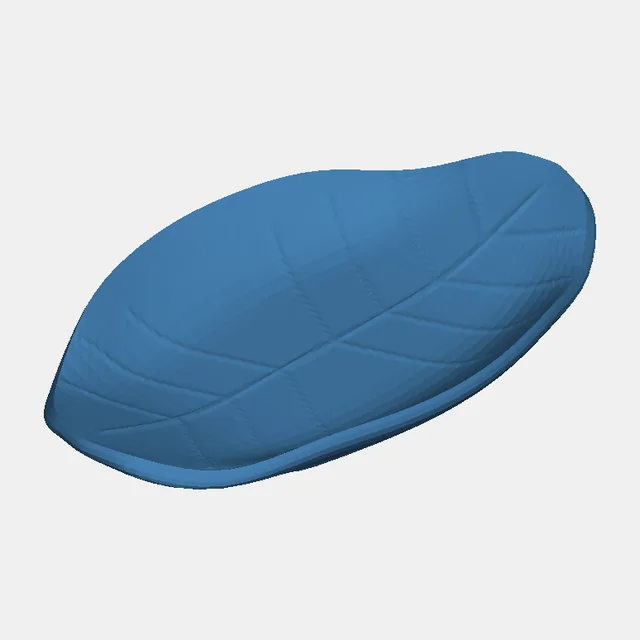
Four documents from the Vextor examples, built here without edits. Every number comes from the build's own report.

Connect your agent

Vextor runs as a remote MCP server. Your agent signs you in through the browser, then reads the docs, checks and builds parts, and downloads the files. Nothing to install.

MCP server

https://mcp.vx.fibonax.org/mcp

Other clients: add the URL above as a remote MCP server (Streamable HTTP). Sign-in uses OAuth.

Scripts and CI

Create an API key in the portal and call the HTTP API, or use the Python client. HTTP API guide

Claude Code

claude mcp add --transport http vextor https://mcp.vx.fibonax.org/mcp

Then run /mcp in Claude Code and authenticate vextor.

Codex CLI

codex mcp add vextor --url https://mcp.vx.fibonax.org/mcp
codex mcp login vextor

Free during the preview

  • 10 builds a day per account, 2 at a time
  • Builds up to 240 s; documents up to 1 MiB
  • Results kept for 30 days
  • MCP connections last 30 days; revoke them any time in the portal

Capacity is small during the preview, so builds queue when the service is busy.

Work with us

We are looking for a few design partners who need functional parts generated at scale: product configurators, jigs and fixtures, enclosures, replacement parts. Tell us what you build.

We use these details only to reply to you.